
sooksook-E-learning
Affiliate module 19 Sections170 LessonsDurée de vie
Messagerie
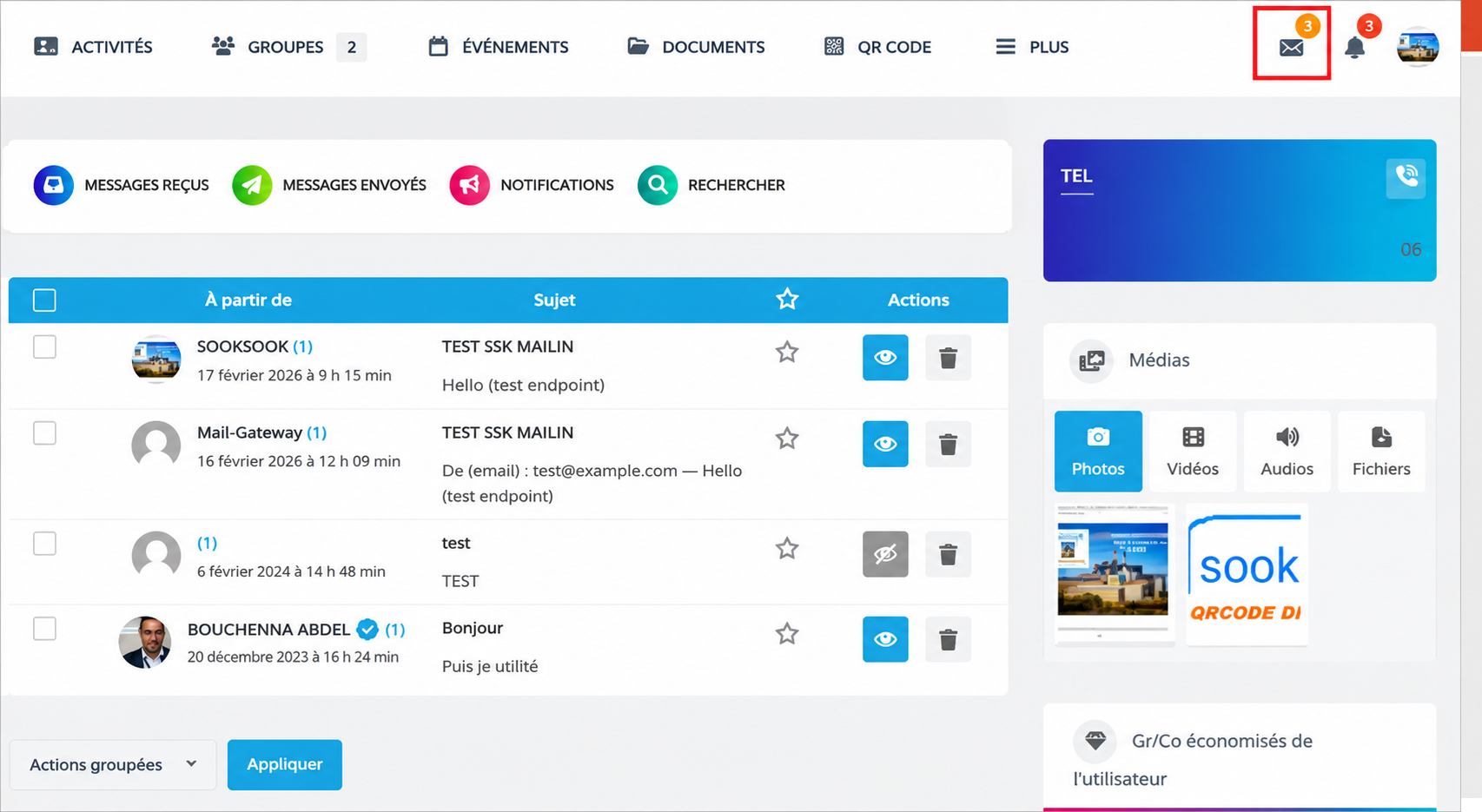 “Message” button — SookSook integrated messaging —SookSook
The button:
Messageallows you to open the integrated messaging systemSookSookin order to communicate directly with:
- an agent,
- a manager,
- a speaker,
- or an equipment/machine profile.
This functionality allows fast, centralized and traceable communication directly from the profile concerned.
1. Purpose of messaging
Messaging allows you to connect:
| Terrain | Communication |
|---|---|
| Intervention | direct exchange |
| Machine | signalement |
| Agent | coordination |
| Bureau | supervision |
| QR Code | immediate contact |
2. Communication directly from the profile
From a machine or agent profile, the button:
Messageallow :
- to send a private message,
- ask a question,
- report an anomaly,
- request an intervention,
- transmit technical information.
3. Operation on a machine profile
Example :
10 Ton Steelworks Freight LiftA user can:
- report a breakdown,
- inform of a malfunction,
- send a photo,
- notify a responsible person,
- request assistance.
4. Operation on an agent profile
On a technician or worker profile, messaging allows:
- team coordination,
- the intervention organization,
- technical exchanges,
- requests for information,
- operational monitoring.
5. Centralization of exchanges
All exchanges can remain associated:
- to the profile,
- by machine,
- to the user,
- or the intervention concerned.
This improves:
- traceability,
- tracking,
- communications history.
6. Types of information that can be exchanged
| Type | Exemple |
|---|---|
| Texte | request intervention |
| Photos | anomaly noted |
| Documents | procedure |
| Safety information | risk identified |
| Contact details | technician recall |
| Historique | file tracking |
7. Fast field communication
Messaging is designed for:
- smartphone,
- construction site,
- workshop,
- industrial environment.
It allows you to avoid:
- multiple calls,
- loss of information,
- dispersed exchanges,
- field oversights.
8. Linking with QR Codes
In the QRCS / SookSook logic:
A QR Code can open:
- the machine profile,
- documents,
- the histories,
- but also direct messaging.
Concrete example
An agent scans the QR Code of a freight elevator:
- open the profile,
- consult the information,
- click on:
Message- immediately prevents maintenance.
9. Multi-stakeholder communication
Messaging facilitates exchanges between:
- maintenance,
- exploitation,
- HSE,
- subcontractors,
- responsible,
- technicians.
10. Operational utility
| Fonction | Utility |
|---|---|
| Failure reporting | reactivity |
| Coordination | organisation |
| Security | alerte |
| Maintenance | suivi |
| Historique | traceability |
| Communication | centralisation |
11. Difference between “Contact” and “Message”
| Bouton | Fonction |
|---|---|
| Contacter | quick access to contact / general communication |
| Message | direct opening of integrated private messaging |
12. Vision SookSook
Messaging transforms SookSook profiles into real operational communication points.
A machine or an agent becomes:
- reachable,
- interactive,
- connected,
- integrated into field/office exchanges.
13. SookSook Philosophy
Dans SookSook, communication is an integral part of traceability and security.
The button:
Messagethus allows:
- to accelerate trade,
- to streamline interventions,
- to strengthen coordination,
- and centralize information around equipment and agents.