
sooksook-E-learning
Affiliate module 19 Sections170 LessonsDurée de vie
Subscription: follow this author
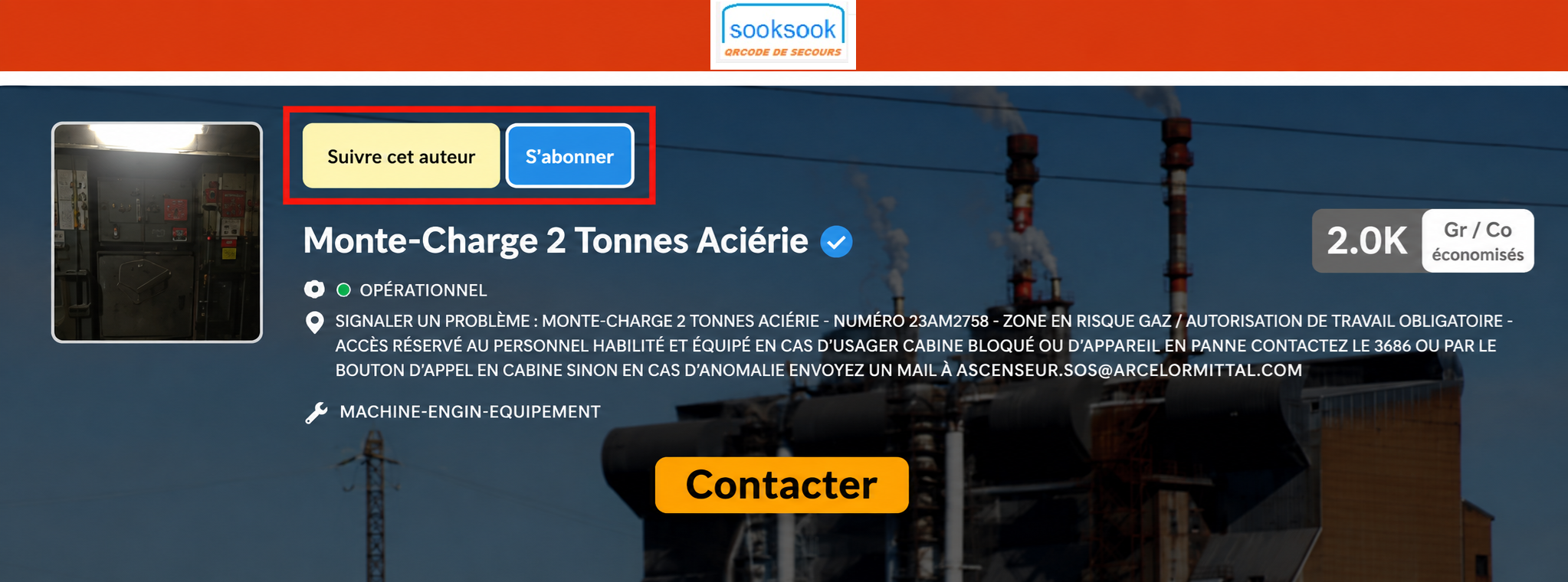
allows a user to subscribe to a SookSook profile in order to automatically receive new publications related to that author.
This functionality works for profiles of type:
- agents,
- technicians,
- speakers,
- equipment,
- machines,
- gear,
- technical installations.
1. How tracking works
When a user clicks:
Subscribeit activates automatic monitoring of the profile concerned.
The system can then automatically send:
- emails,
- notifications,
- publication alerts,
- intervention updates,
- new field activities.
2. Types of profiles that can be tracked
Agent profiles
Examples:
- elevator technician,
- electrician,
- team leader,
- subcontractor,
- HSE stakeholder.
Equipment/machine profiles
Examples:
- elevator,
- freight elevator,
- industrial machine,
- technical area,
- facility,
- machine.
3. Why follow an author
Tracking allows you to stay informed in real time of important new publications.
Example for an agent
A manager can follow:
- a technician,
- a subcontractor,
- a team.
And automatically receive:
- reports,
- safety moments,
- interventions,
- diagnostics,
- field publications.
Example for a machine
A user can follow:
- a freight elevator,
- an elevator,
- a critical machine.
And receive:
- breakdowns,
- recommissioning,
- stops,
- interventions,
- security alerts.
4. Main objective
Create a logic close to a professional field social network oriented:
- maintenance,
- security,
- prevention,
- exploitation,
- traceability.
5. The newsletter / notification received
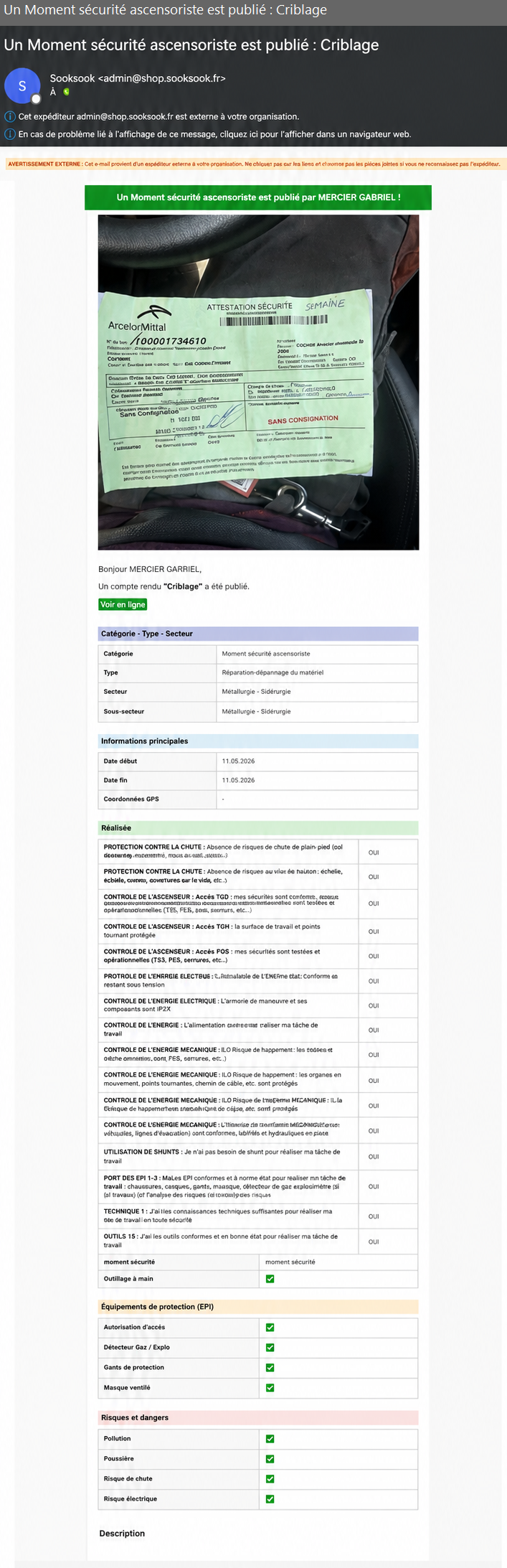
The second image shows an example of an automatic email sent after a new post.
6. Newsletter content
The email automatically contains:
| Element | Fonction |
|---|---|
| Auteur | speaker identification |
| Publication type | safety moment |
| Titre | publication subject |
| Photo | field proof |
| Technical information | intervention content |
| EPI | protections used |
| Risques | identified hazards |
| Date | traceability |
| Direct link | publication access |
7. Example shown
In the example:
An elevator safety moment is publishedThe system automatically informs subscribers that a new security moment has been carried out by the followed author.
8. Detailed information sent
The email may contain:
General information
- category,
- kind,
- sector,
- date,
- duration,
- contact details,
- author.
Security checks
Examples:
- access control,
- electrical control,
- mechanical control,
- collective protections,
- environmental controls.
PPE used
Examples:
- gas detector,
- gloves,
- ventilated mask,
- access authorization,
- harness.
Reported risks
Examples:
- pollution,
- dust,
- fall,
- electrical risk,
- gas.
9. Operational utility
These notifications allow:
| Fonction | Utility |
|---|---|
| Real-time information | field monitoring |
| Prevention | security |
| Supervision | management |
| Traceability | historique |
| Reactivity | rapid intervention |
| Coordination | multi-intervenants |
10. Concrete example
Maintenance manager
The manager follows:
- an elevator technician,
- a critical freight elevator.
With each publication:
- he immediately receives the report,
- sees the risks encountered,
- consults the PPE used,
- monitors the interventions carried out.
11. Vision SookSook
The tracking system transforms field publications into:
- operational information flow,
- security monitoring,
- technical supervision,
- living history,
- real-time communication.
12. SookSook Philosophy
The button:
Follow this authorcreates a hybrid logic between:
| Social network | Industry / HSE |
|---|---|
| profile subscription | operational monitoring |
| publication notification | field alert |
| user activity | technical history |
| news feed | maintenance supervision |
13. Added value
With this feature:
- field information comes back immediately,
- those responsible remain informed,
- histories become dynamic,
- communication is made more fluid,
- traceability is reinforced,
- prevention becomes more reactive.